General
Core usability and structure of the category page. This section evaluates sorting options, product grid layout, category clarity, navigation behavior, and page structure that helps users easily browse products and understand what is available in the category.
Checklist
Category sorting options
Users should be able to sort products within a category using options such as price, best sellers, newest items, most popular, or highest rated.
Impact:
High
Cost:
Medium
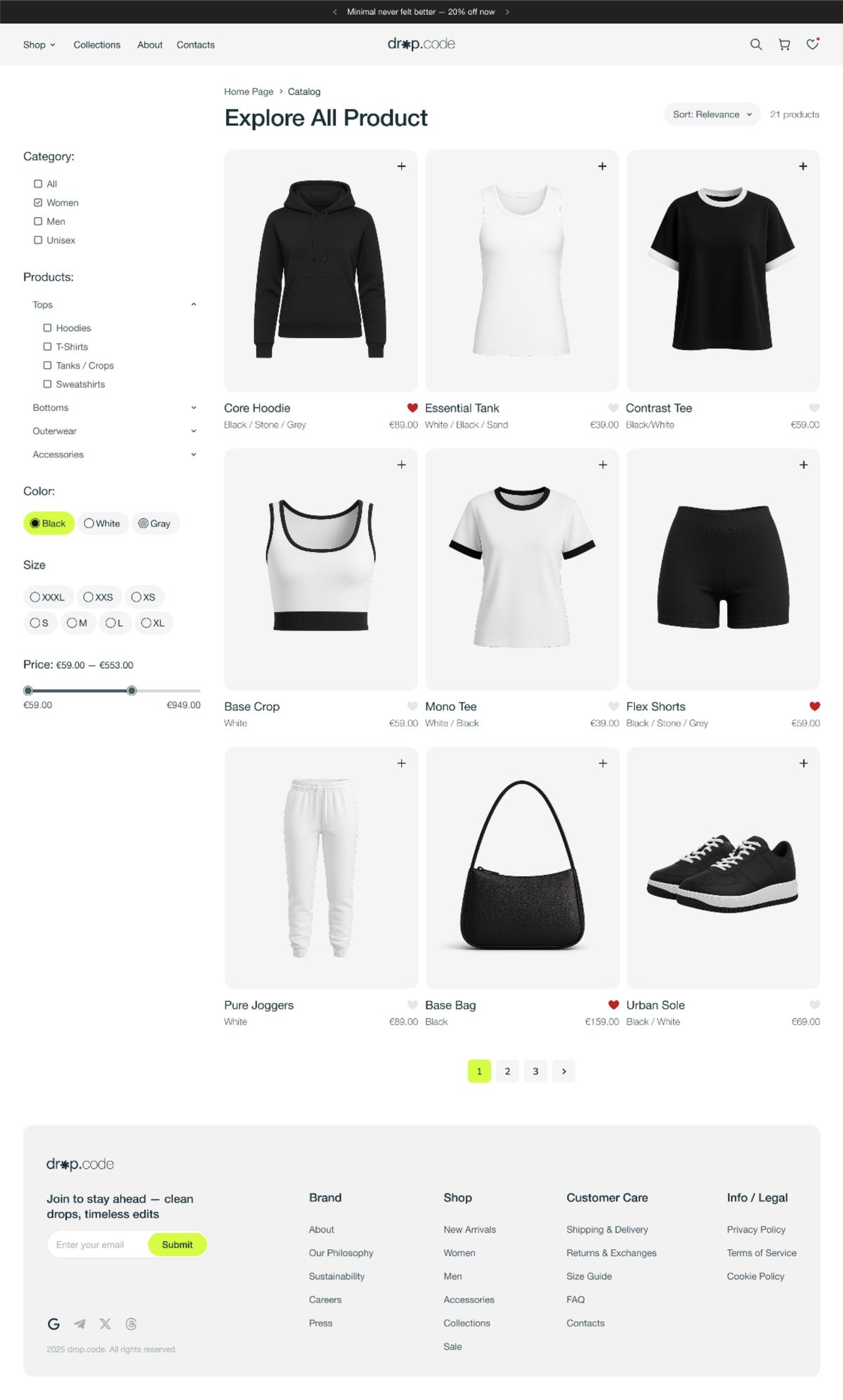
Category sorting options
Users should be able to sort products within a category using options such as price, best sellers, newest items, most popular, or highest rated.
Impact:
High
Cost:
Medium
Visible sorting control
The sorting control should be clearly visible, typically located in the top-right area above the product grid or list.
Impact:
Medium
Cost:
Low
Visible sorting control
The sorting control should be clearly visible, typically located in the top-right area above the product grid or list.
Impact:
Medium
Cost:
Low
Clear category naming
Category pages should use clear and understandable category and subcategory names so users immediately understand what products are shown.
Impact:
Medium
Cost:
Low
Clear category naming
Category pages should use clear and understandable category and subcategory names so users immediately understand what products are shown.
Impact:
Medium
Cost:
Low
Appropriate category layout
The category page should use a layout that supports product browsing, typically a grid layout when images are important for decision making.
Impact:
High
Cost:
Medium
Appropriate category layout
The category page should use a layout that supports product browsing, typically a grid layout when images are important for decision making.
Impact:
High
Cost:
Medium
Product count visibility
The category page should clearly show the number of products available in the category, including when filters are applied.
Impact:
Medium
Cost:
Low
Product count visibility
The category page should clearly show the number of products available in the category, including when filters are applied.
Impact:
Medium
Cost:
Low
Category description section
A category description should be available to explain the category, often placed at the top of the page and optionally collapsed with a “Read more” option.
Impact:
Medium
Cost:
Low
Category description section
A category description should be available to explain the category, often placed at the top of the page and optionally collapsed with a “Read more” option.
Impact:
Medium
Cost:
Low
Maintain scroll position
When a user opens a product page and then returns to the category page, the page should restore the same scroll position.
Impact:
Medium
Cost:
Medium
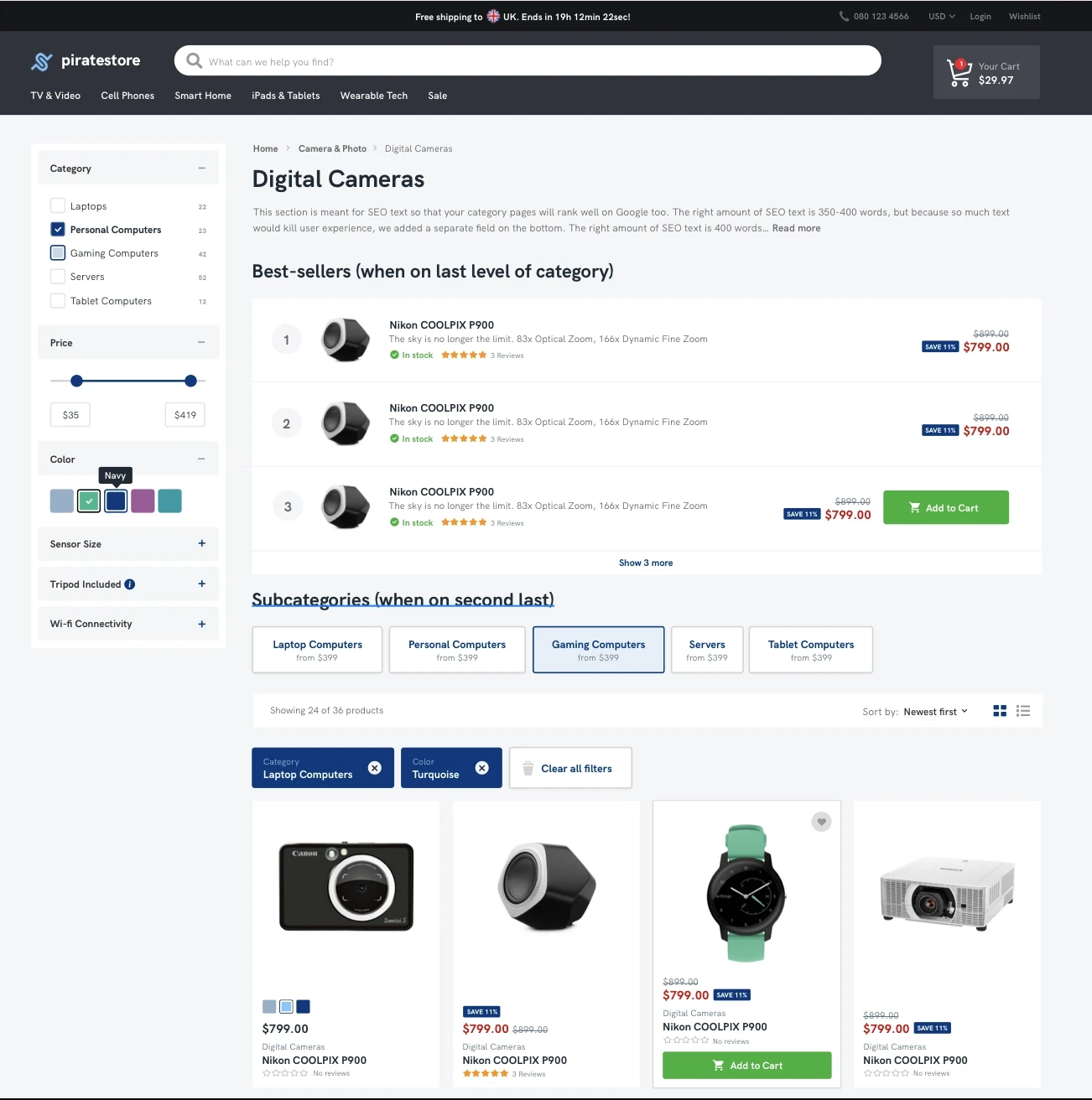
Maintain scroll position
When a user opens a product page and then returns to the category page, the page should restore the same scroll position.
Impact:
Medium
Cost:
Medium

Highest Converting Checkout
Shopify
The one commerce platform behind it all. Sell online and in person. Sell locally and globally. Sell direct and wholesale. Sell on desktop and mobile.


Highest Converting Checkout
Shopify
The one commerce platform behind it all. Sell online and in person. Sell locally and globally. Sell direct and wholesale. Sell on desktop and mobile.
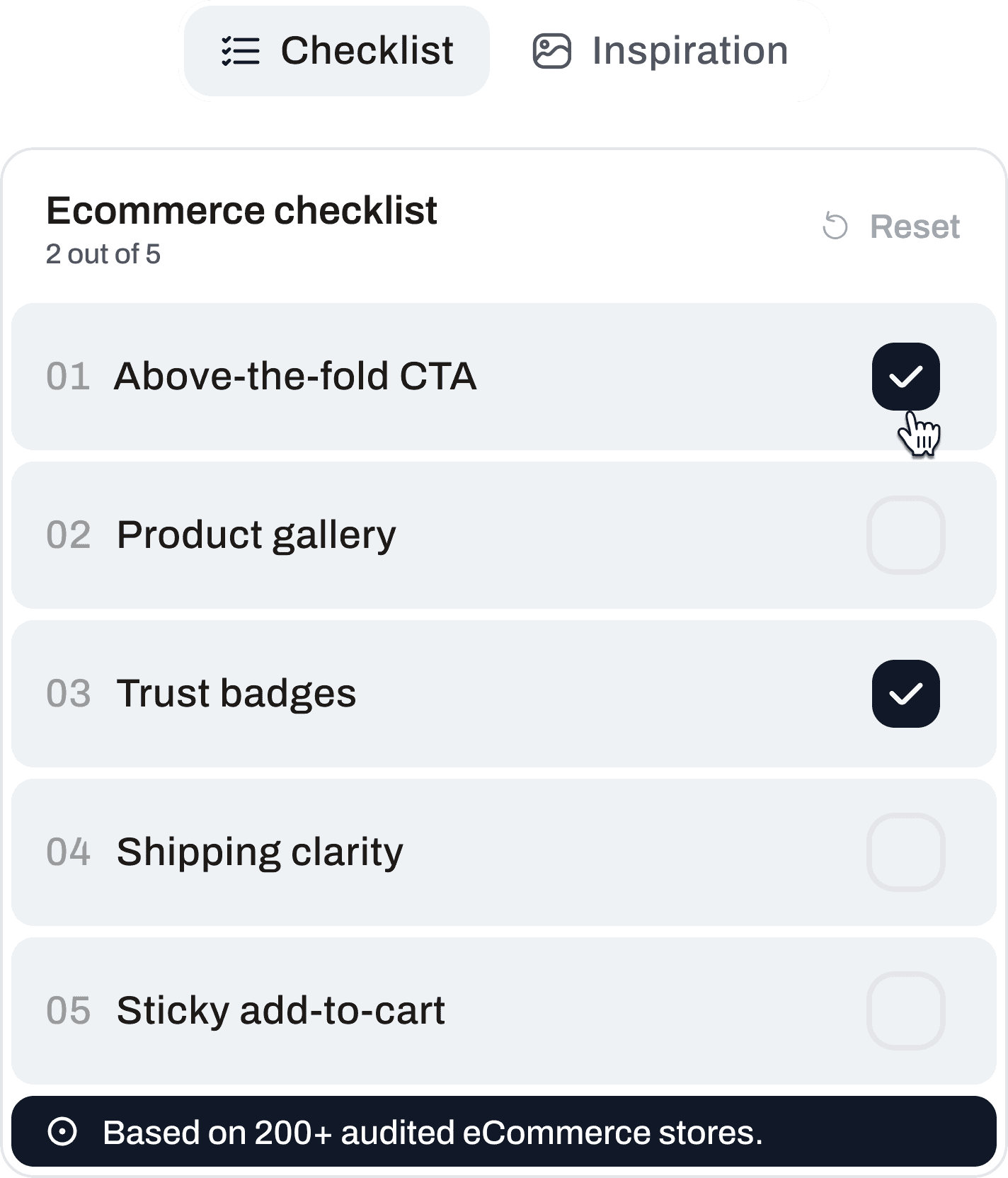
Ready to Optimize Your Store?
Start with free access and unlock the full checklist when you’re ready.

Ready to Optimize Your Store?
Start with free access and unlock the full checklist when you’re ready.
Ready to Optimize Your Store?
Start with free access and unlock the full checklist when you’re ready.

Get CRO Insights:
No spam. Unsubscribe anytime.
© 2026 Conversion Kite. Built for eCommerce teams.
Get CRO Insights:
No spam. Unsubscribe anytime.
© 2026 Conversion Kite. Built for eCommerce teams.
Get CRO Insights:
No spam. Unsubscribe anytime.
© 2026 Conversion Kite. Built for eCommerce teams.