Image gallery
Product media presentation including images and videos. This section evaluates gallery usability, layout, zoom functionality, and visual clarity.
Checklist
Standardized page layout
The page layout is standardized, for example with the photo gallery on the left side and the description and CTA area on the right.
Impact:
High
Cost:
Medium
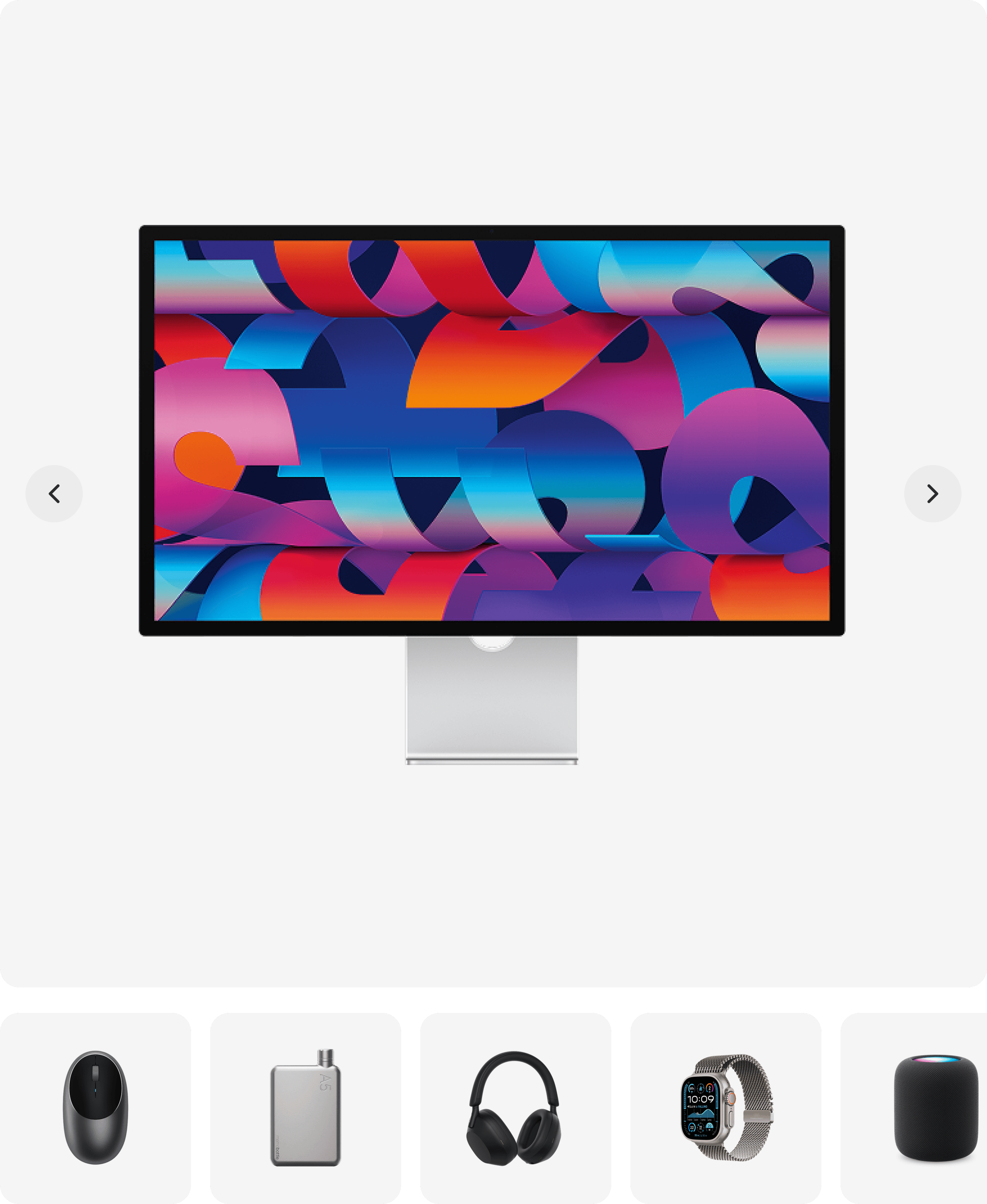
Standardized page layout
The page layout is standardized, for example with the photo gallery on the left side and the description and CTA area on the right.
Impact:
High
Cost:
Medium
Attractive main product photo
The main product photo is visually attractive and helps create a strong first impression of the product.
Impact:
High
Cost:
Low
Attractive main product photo
The main product photo is visually attractive and helps create a strong first impression of the product.
Impact:
High
Cost:
Low
Zoomable main product photo
The main product photo allows users to zoom in easily, especially on mobile devices.
Impact:
Medium
Cost:
Medium
Zoomable main product photo
The main product photo allows users to zoom in easily, especially on mobile devices.
Impact:
Medium
Cost:
Medium
Multiple product photos
There is a gallery with different product photos showing the product from multiple angles or views.
Impact:
High
Cost:
Medium
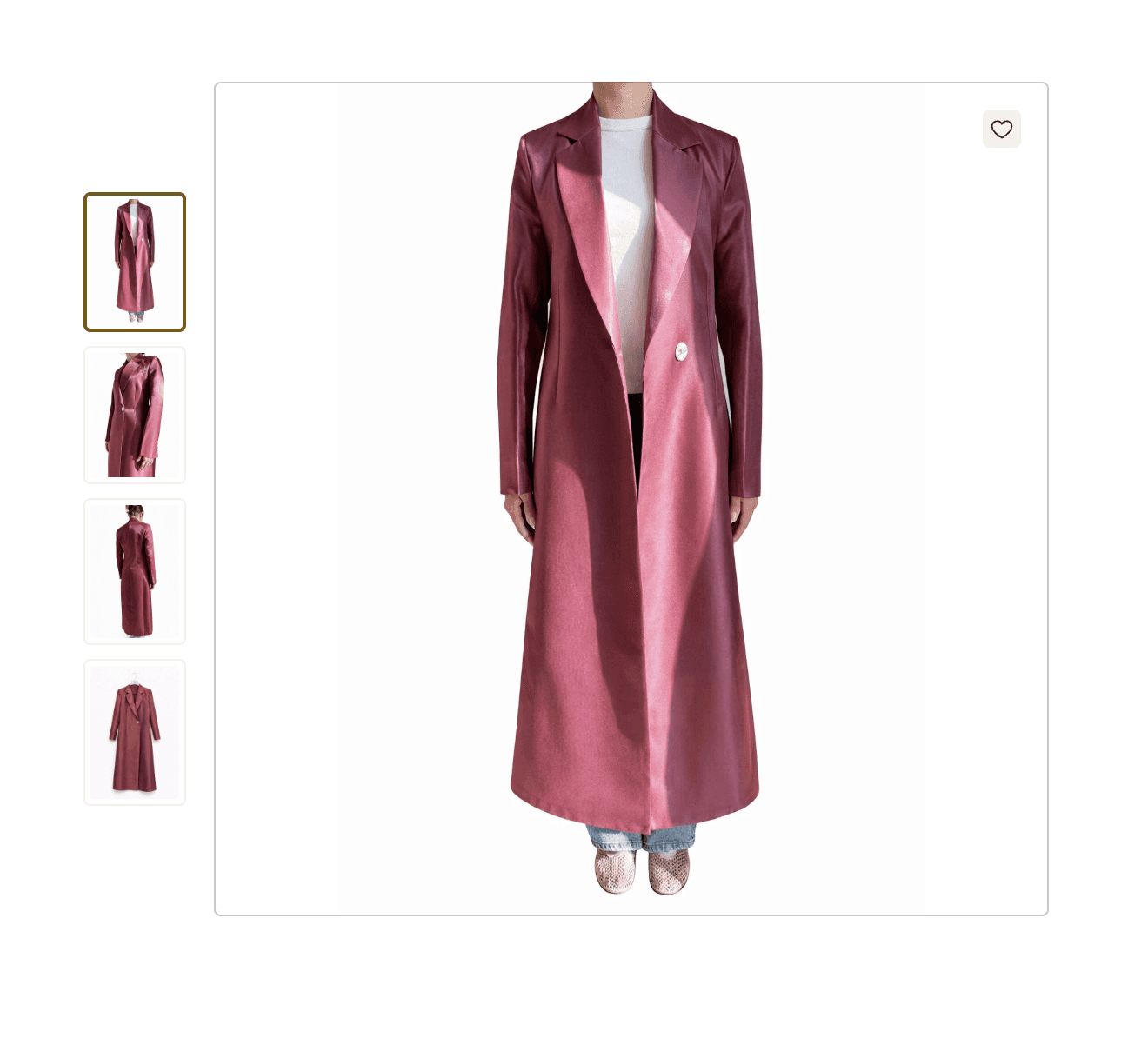
Multiple product photos
There is a gallery with different product photos showing the product from multiple angles or views.
Impact:
High
Cost:
Medium
Image thumbnails
The product gallery shows thumbnails of other available images so users can quickly switch between them.
Impact:
Medium
Cost:
Low
Image thumbnails
The product gallery shows thumbnails of other available images so users can quickly switch between them.
Impact:
Medium
Cost:
Low
Product videos in gallery
The product gallery contains product videos to help explain or demonstrate the product more clearly.
Impact:
High
Cost:
Medium
Product videos in gallery
The product gallery contains product videos to help explain or demonstrate the product more clearly.
Impact:
High
Cost:
Medium
Arrows for image navigation
The product gallery contains arrows that allow users to navigate between images.
Impact:
Medium
Cost:
Low
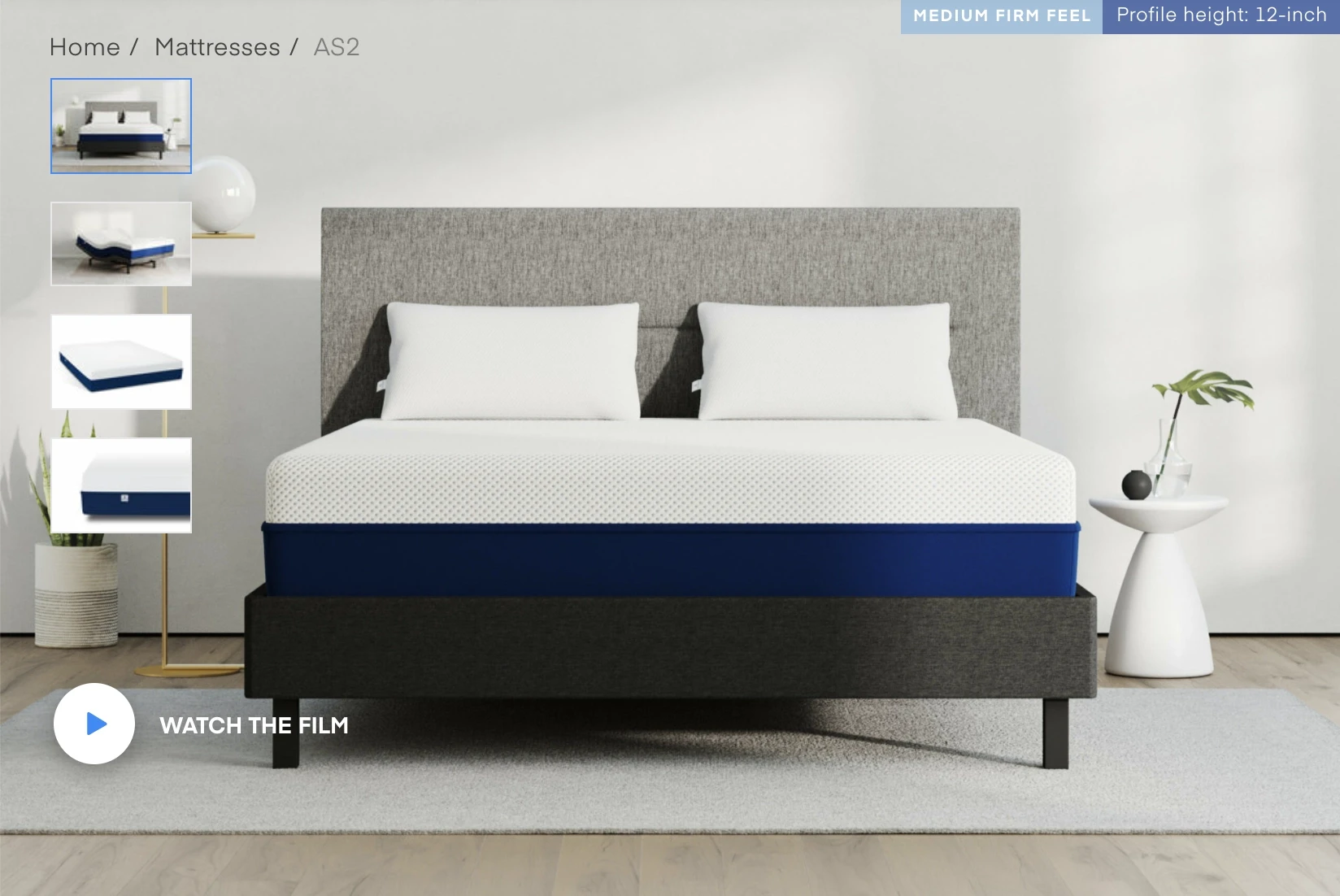
Arrows for image navigation
The product gallery contains arrows that allow users to navigate between images.
Impact:
Medium
Cost:
Low
Swipe support on mobile
The product gallery supports swipe actions on mobile devices for easier browsing.
Impact:
Medium
Cost:
Medium
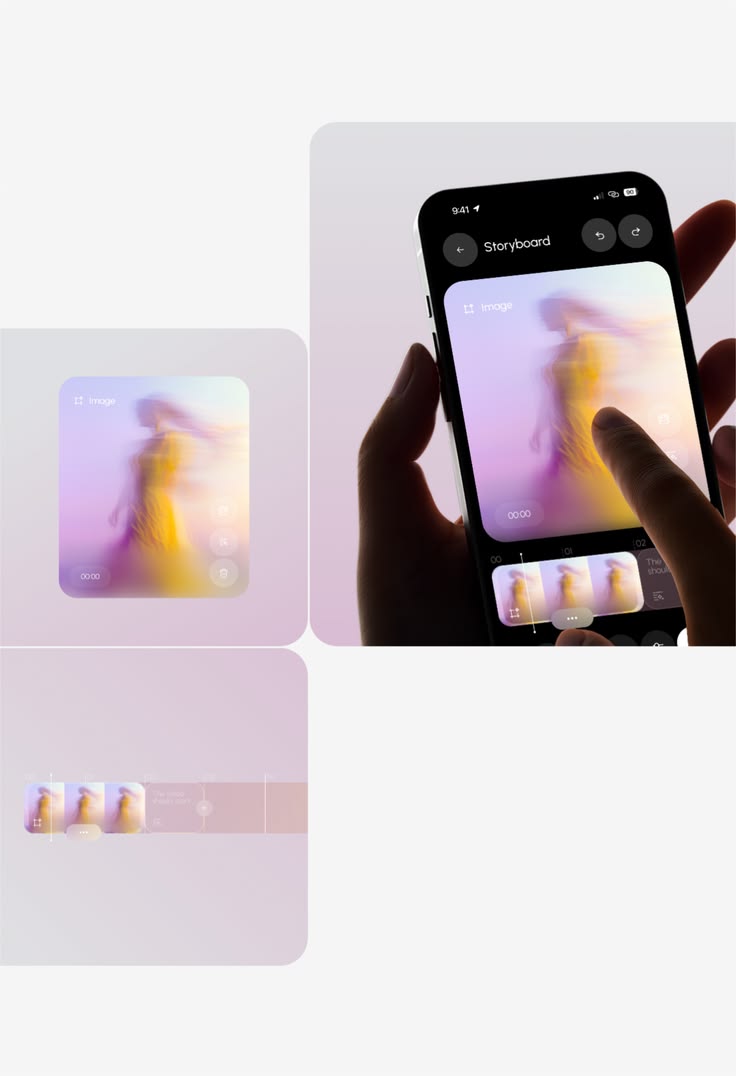
Swipe support on mobile
The product gallery supports swipe actions on mobile devices for easier browsing.
Impact:
Medium
Cost:
Medium
Variant or size-specific images
There are images for different product variants or sizes so users can see the selected option more clearly.
Impact:
High
Cost:
Medium
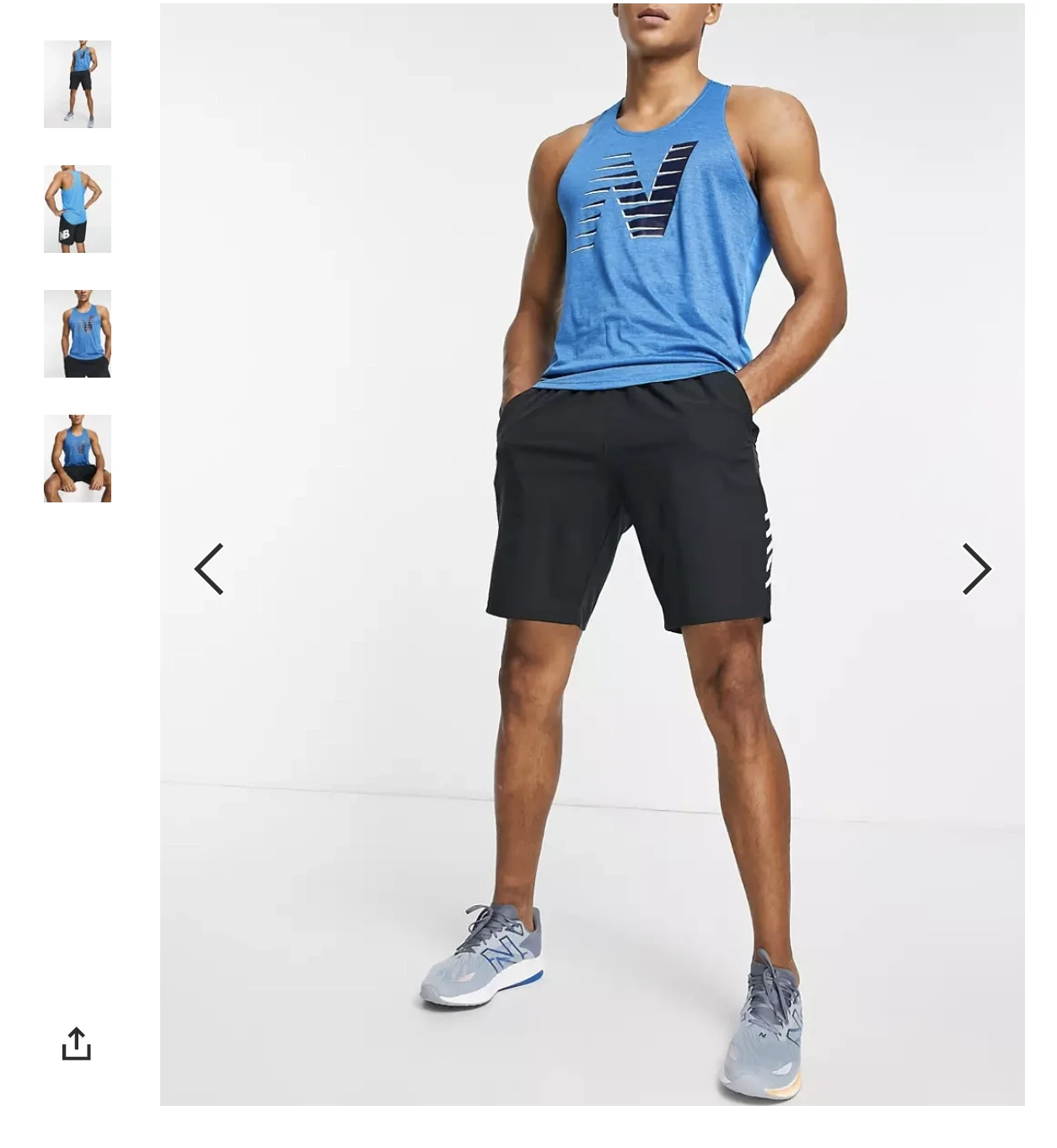
Variant or size-specific images
There are images for different product variants or sizes so users can see the selected option more clearly.
Impact:
High
Cost:
Medium

Highest Converting Checkout
Shopify
The one commerce platform behind it all. Sell online and in person. Sell locally and globally. Sell direct and wholesale. Sell on desktop and mobile.


Highest Converting Checkout
Shopify
The one commerce platform behind it all. Sell online and in person. Sell locally and globally. Sell direct and wholesale. Sell on desktop and mobile.
Ready to Optimize Your Store?
Start with free access and unlock the full checklist when you’re ready.

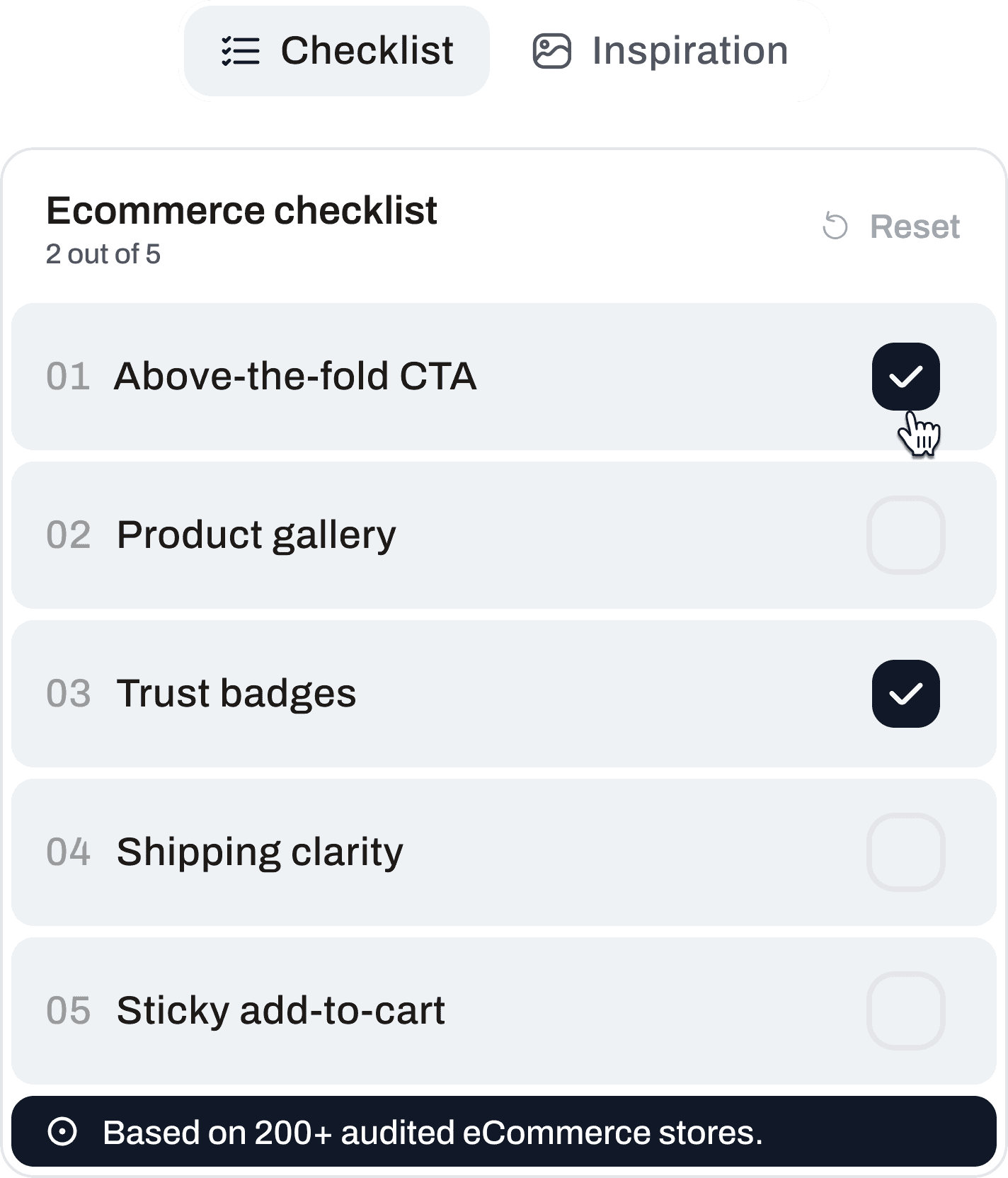
Ready to Optimize Your Store?
Start with free access and unlock the full checklist when you’re ready.
Ready to Optimize Your Store?
Start with free access and unlock the full checklist when you’re ready.

Get CRO Insights:
No spam. Unsubscribe anytime.
© 2026 Conversion Kite. Built for eCommerce teams.
Get CRO Insights:
No spam. Unsubscribe anytime.
© 2026 Conversion Kite. Built for eCommerce teams.
Get CRO Insights:
No spam. Unsubscribe anytime.
© 2026 Conversion Kite. Built for eCommerce teams.